This week’s goal
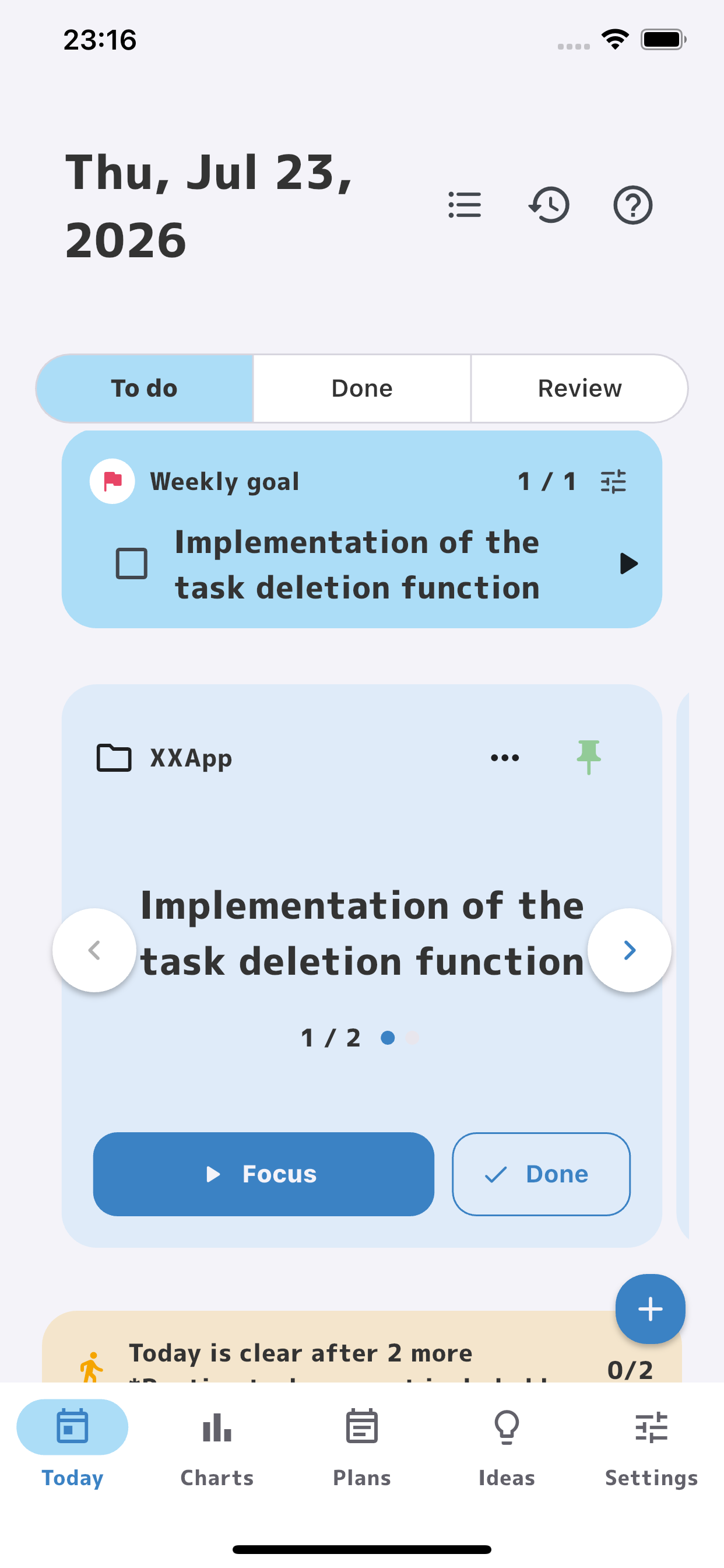
Choose one thing to achieve this week so it is easier to stay on course.
For days filled with too much to do
PiyoMemo never shows you every task at once.
It helps you focus only on this week’s goal and what you need to do today.
You can move forward without being perfect.
Why PiyoMemo?
Projects, goals, and new ideas keep piling up. Looking at everything at once can wear you out before you even begin.
Focus on today
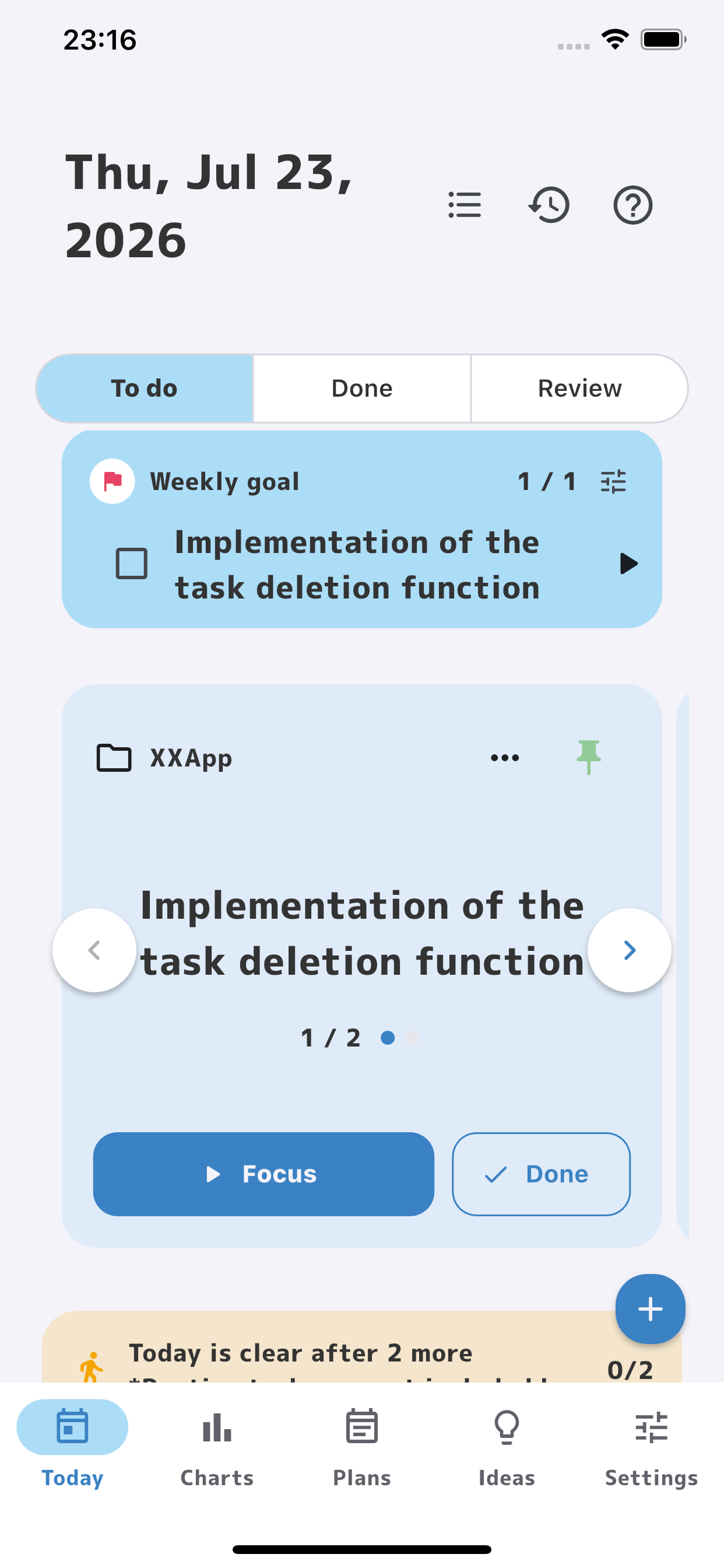
Stay free from tomorrow’s tasks and unrelated projects. The Today screen shows only this week’s goal and what you need to do today.
Choose one thing to achieve this week so it is easier to stay on course.
See only the tasks you will do today and keep distractions out of sight.
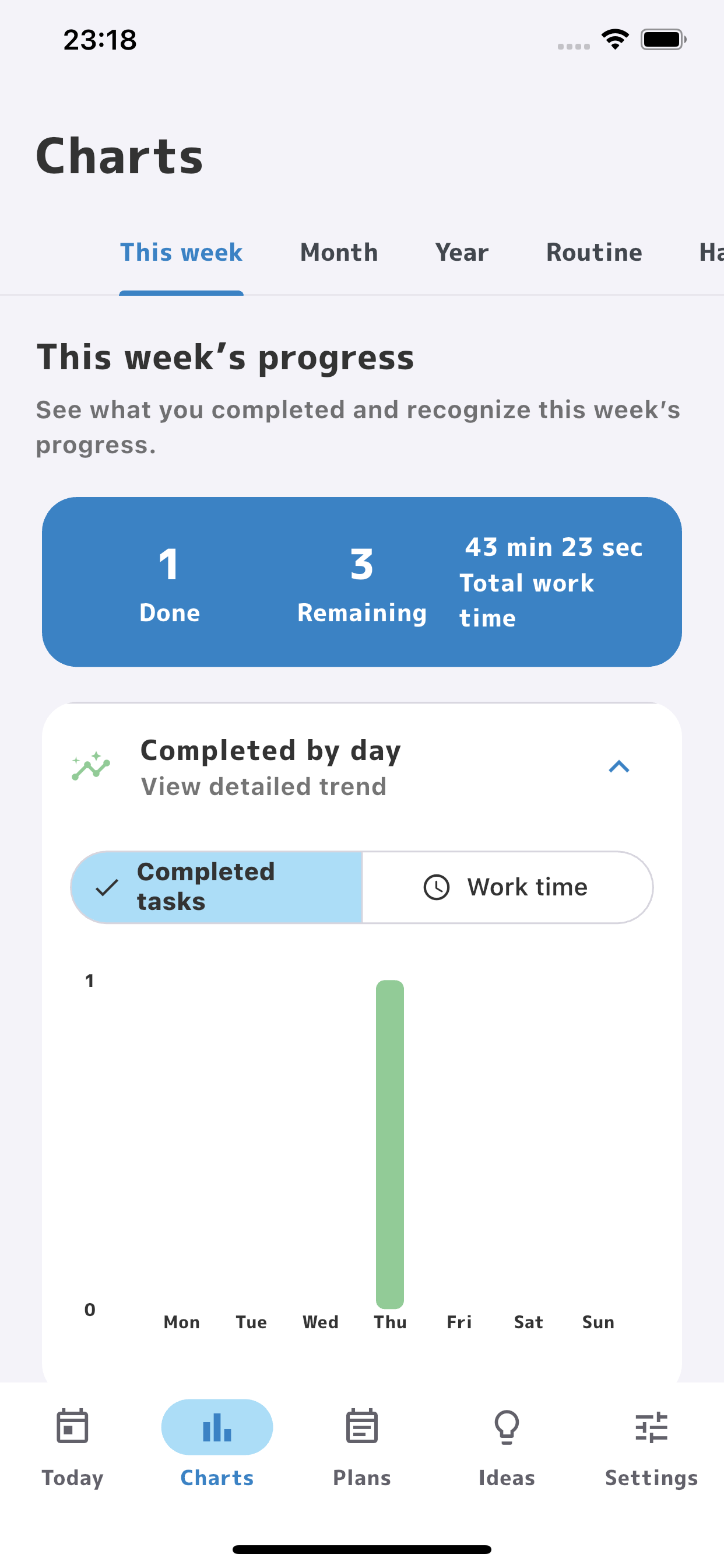
Track what you accomplished today through completed tasks, tasks remaining, and time worked.
Connected goals
Break big goals into smaller steps while staying focused on what matters today.
Improve my English
Study English
Learn 100 TOEIC words
Master 10 TOEIC words
Start working
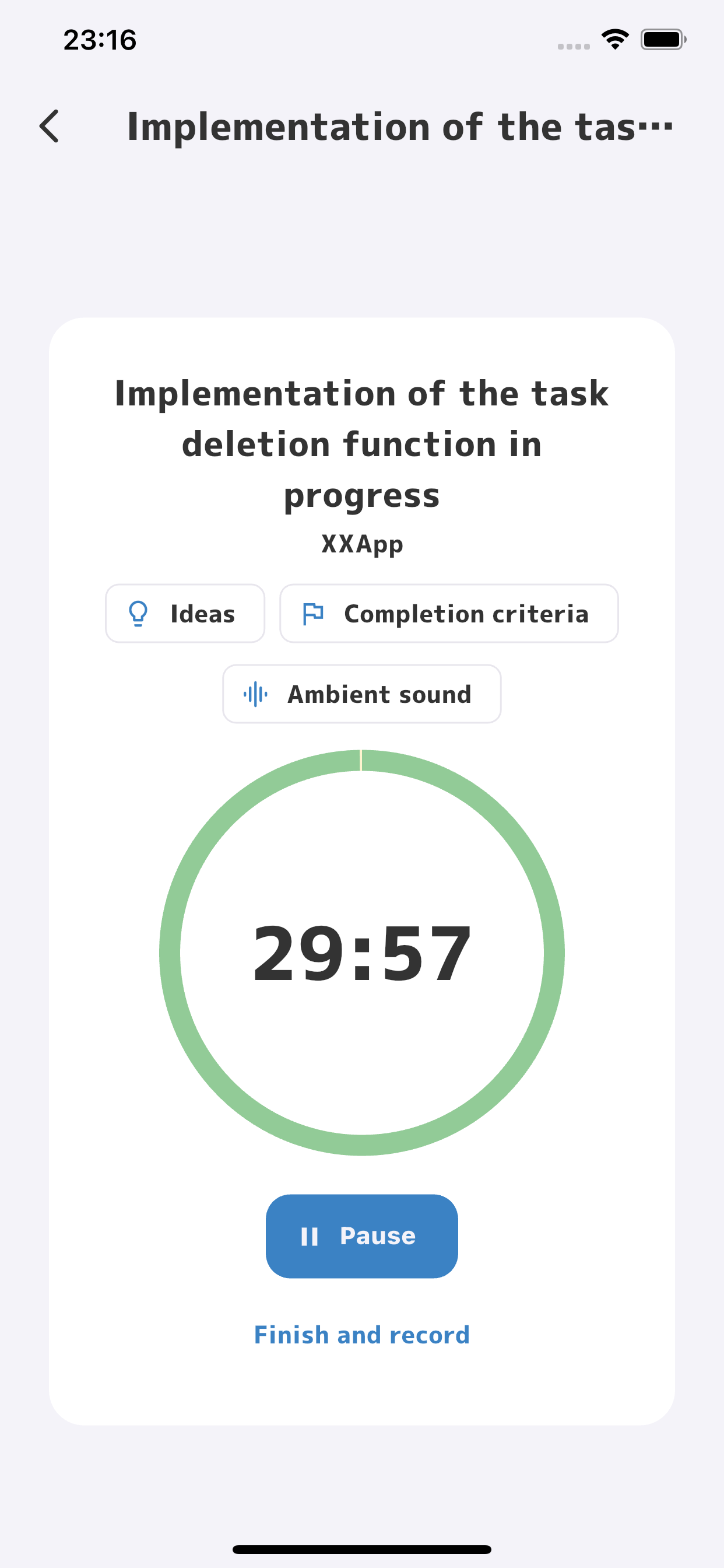
Tap the start button to open a timer designed for focus. Your work time is recorded automatically.
Instead of “I got nothing done today,”
leave a record of how far you moved forward.
Focus Mode
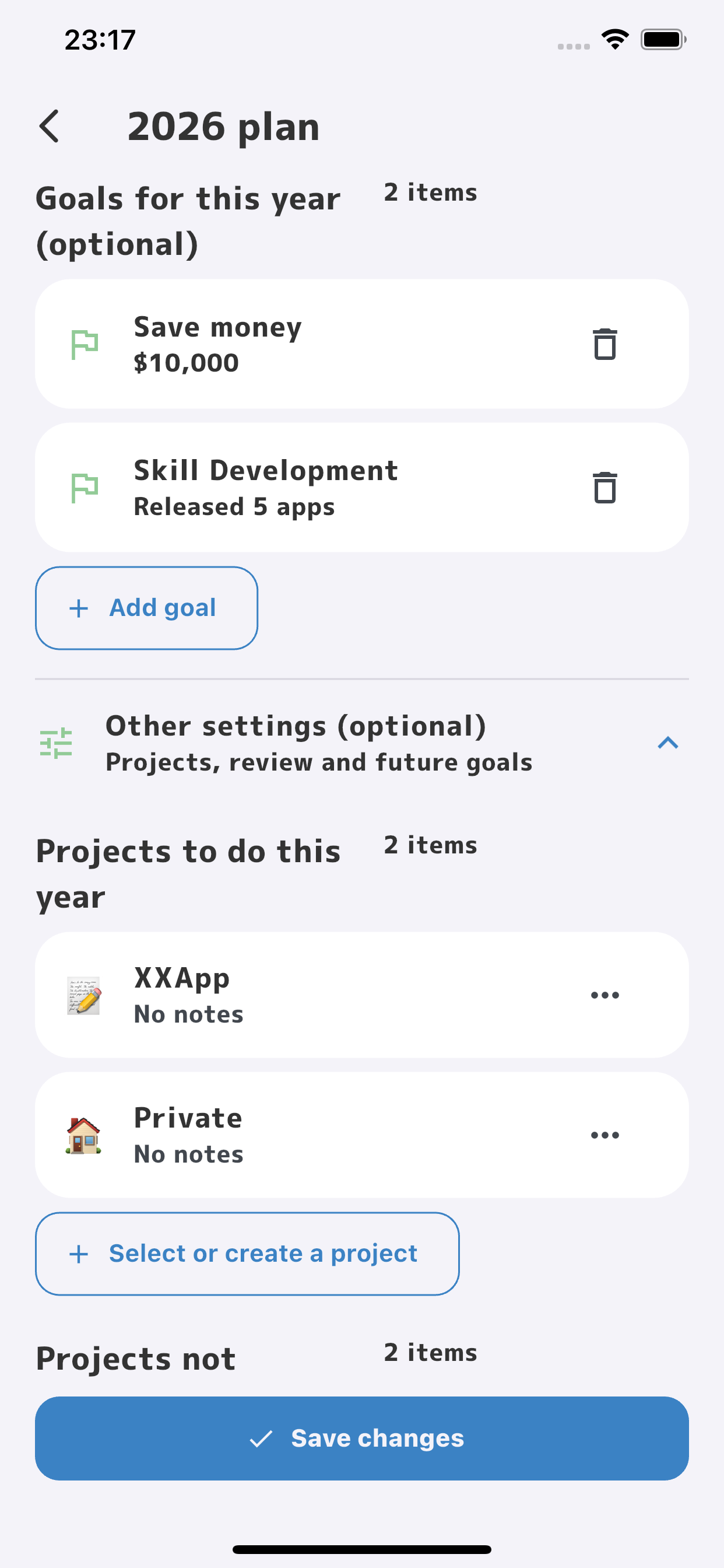
Adding more tasks does not make your true priorities any clearer.
Remove projects you are not working on now from your active list.
Keep only active projects in your task list so your view stays simple.
Choosing what not to do is an important part of planning for focus.
Daily reflection
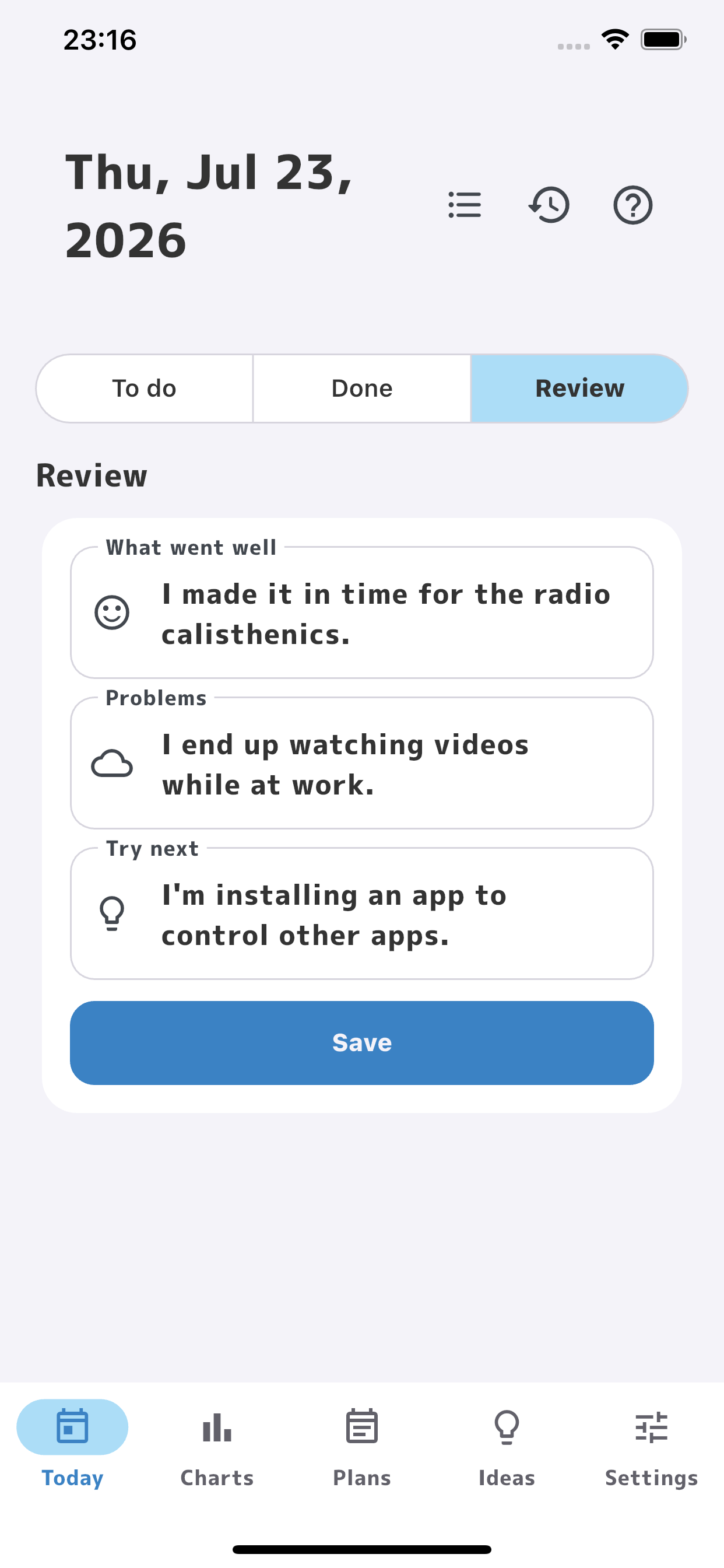
End the day with a short reflection—just enough to make tomorrow a little easier.
I mastered eight new words.
I think I forgot some of last week’s words.
Try a random review quiz sometime this week.
Move from “I couldn’t” to “I’ll try this next.”
Ideas × your AI apps
Share an idea with an AI app already installed on your device. PiyoMemo can add a ready-made request to organize it, expand it, identify concerns, or break it into tasks.
Bring the AI response back as a new idea or append it to the original. Create a linked task from there, and the context stays attached.
Choose the AI app you already use.
Organize, expand, find concerns, or split it into tasks.
Append the AI response to the original idea.
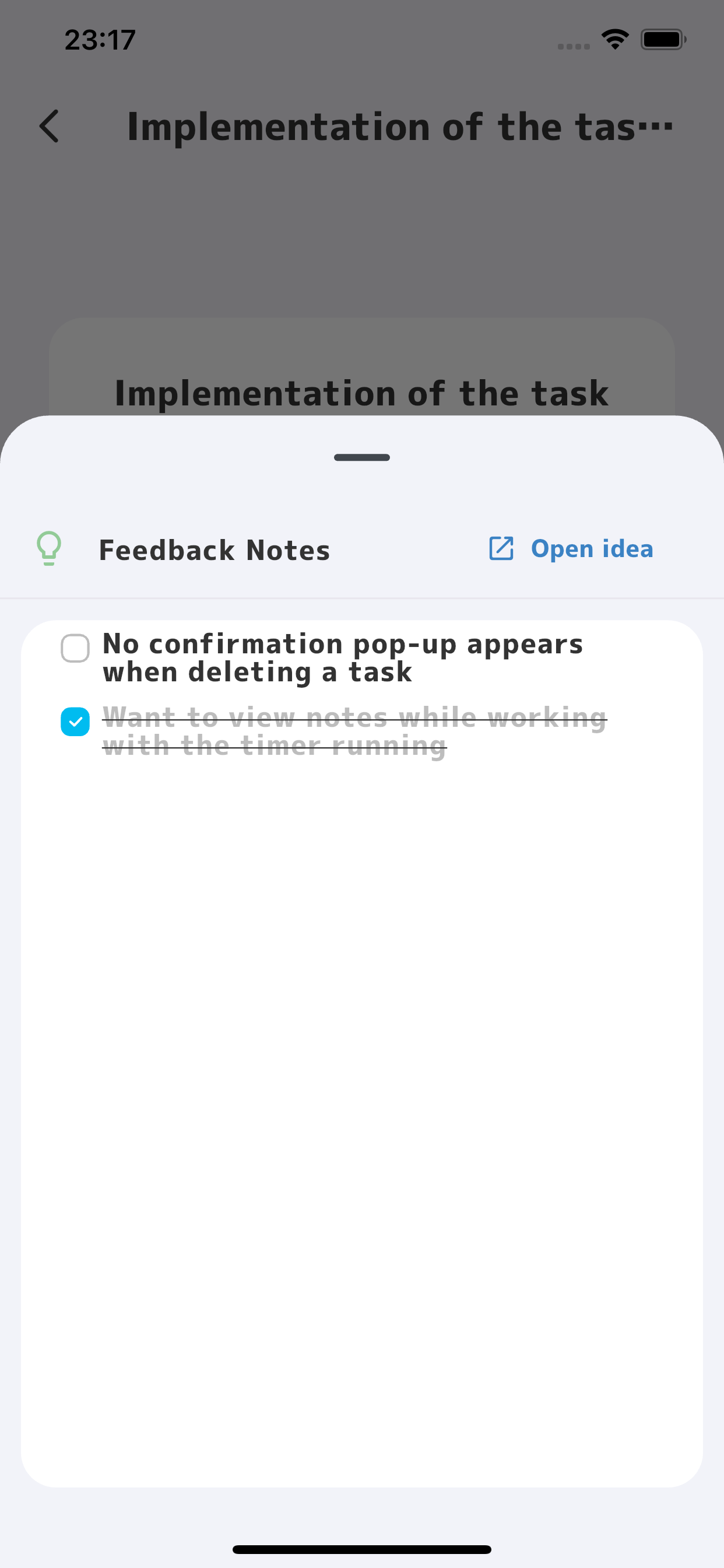
View the source idea during focus time without stopping the timer.
Your AI conversation does not end in another app. Bring the next action back into PiyoMemo.
Your progress
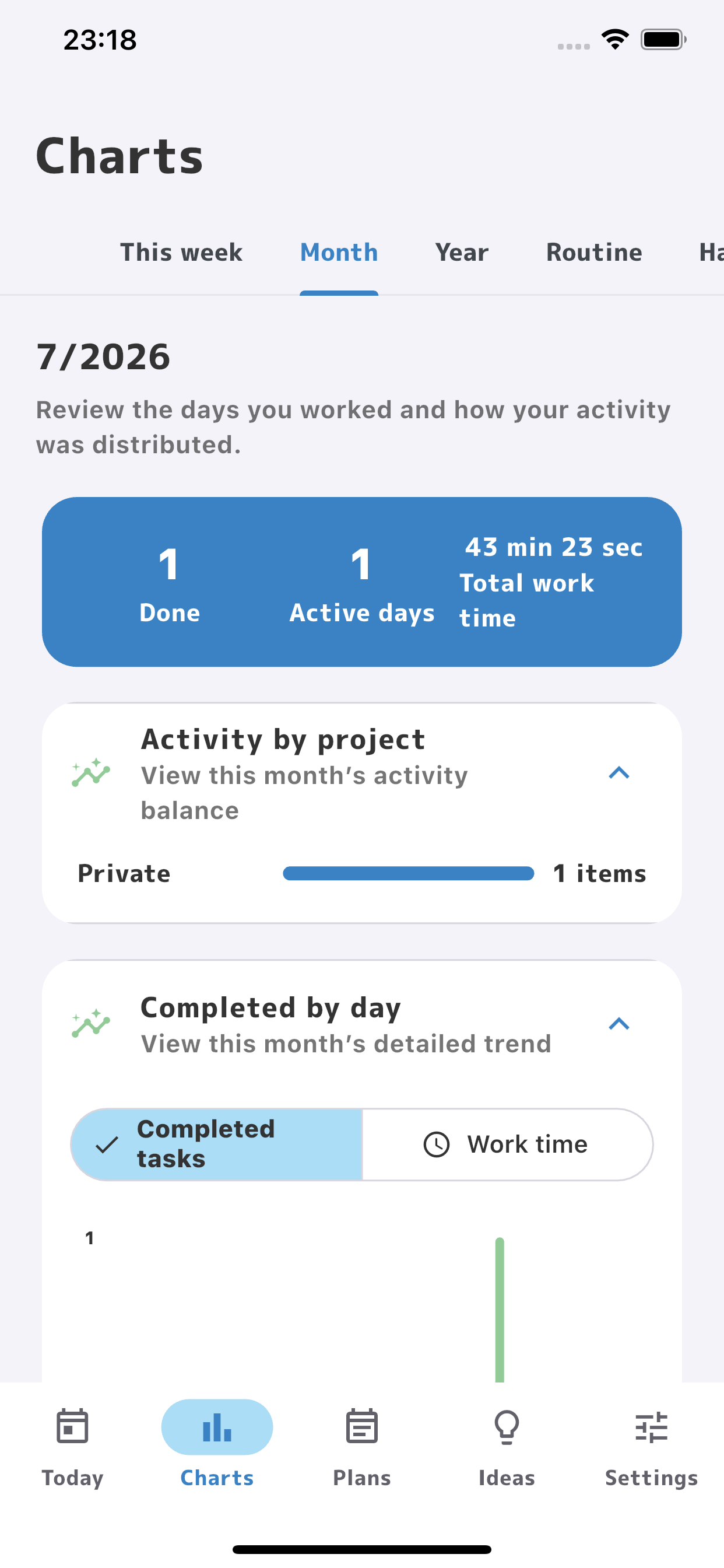
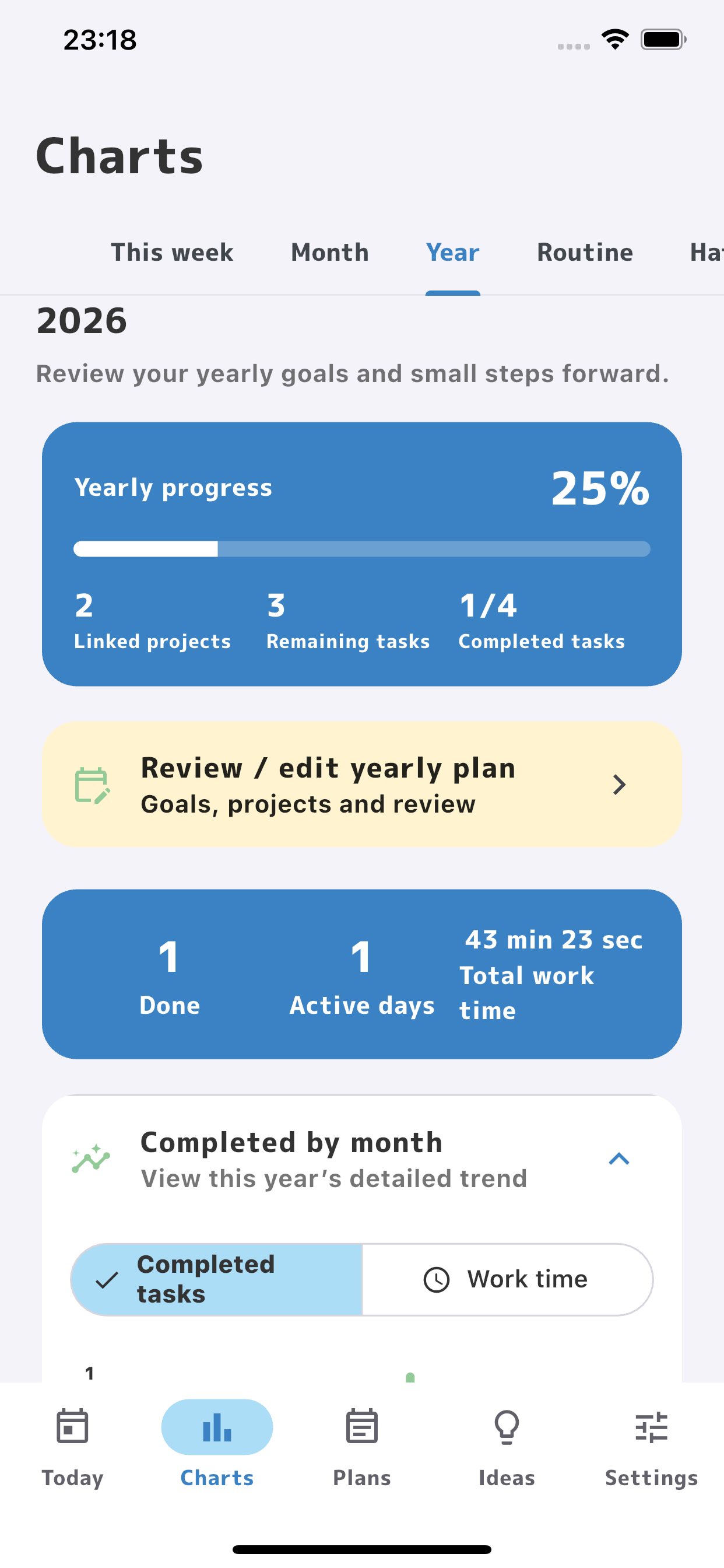
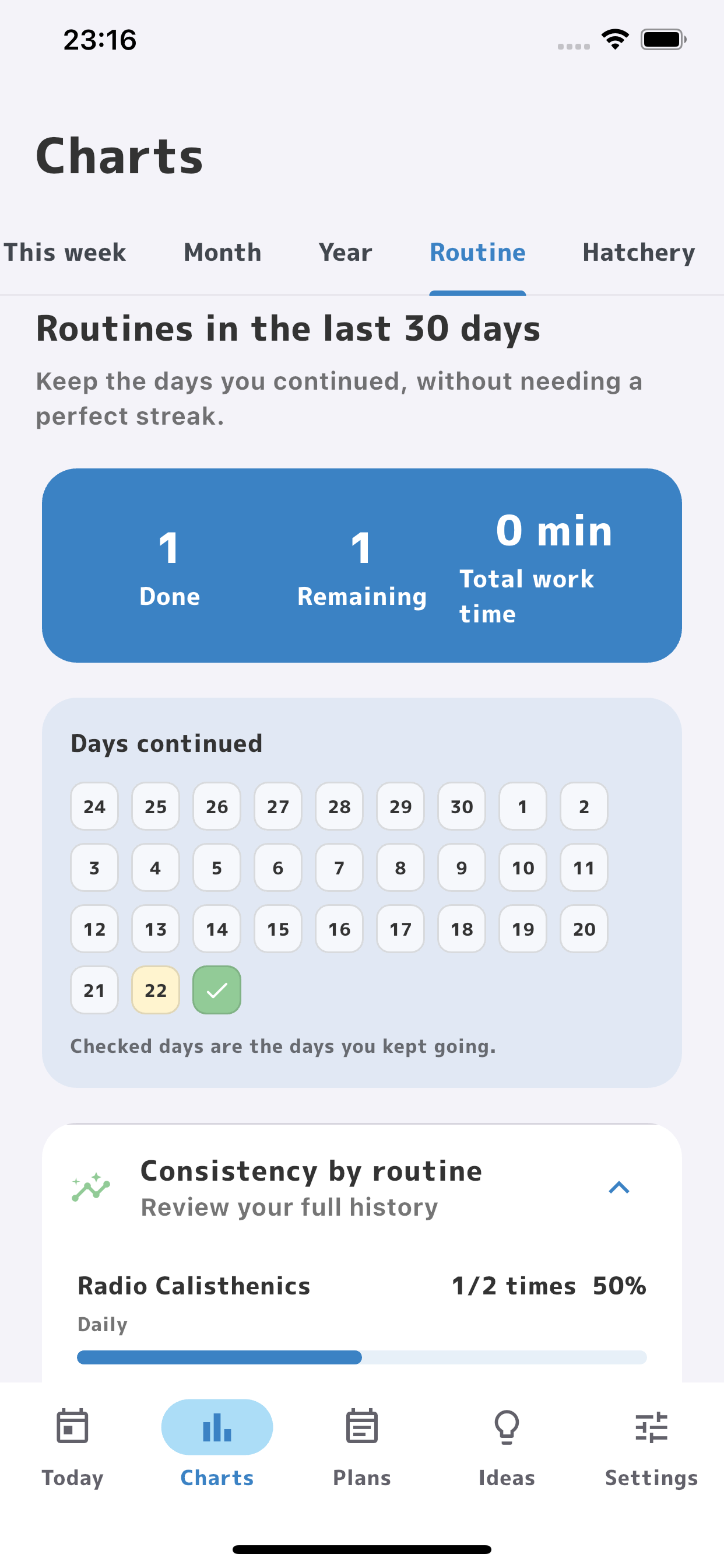
Review completed tasks and active work time by week, month, or year, and see how your efforts add up.
Project growth
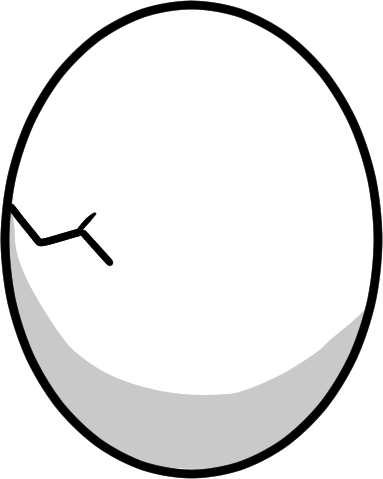
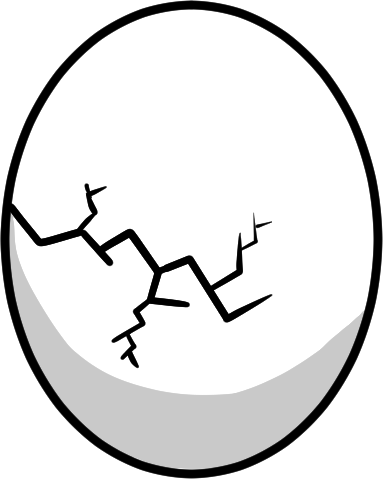
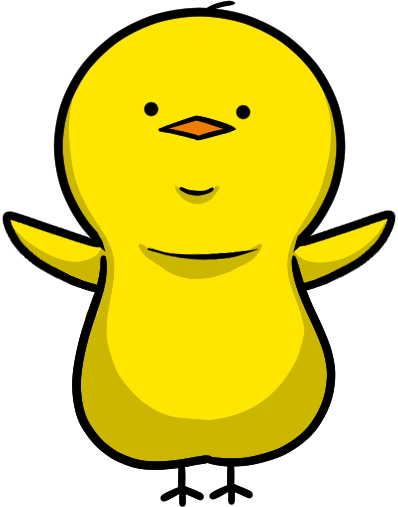
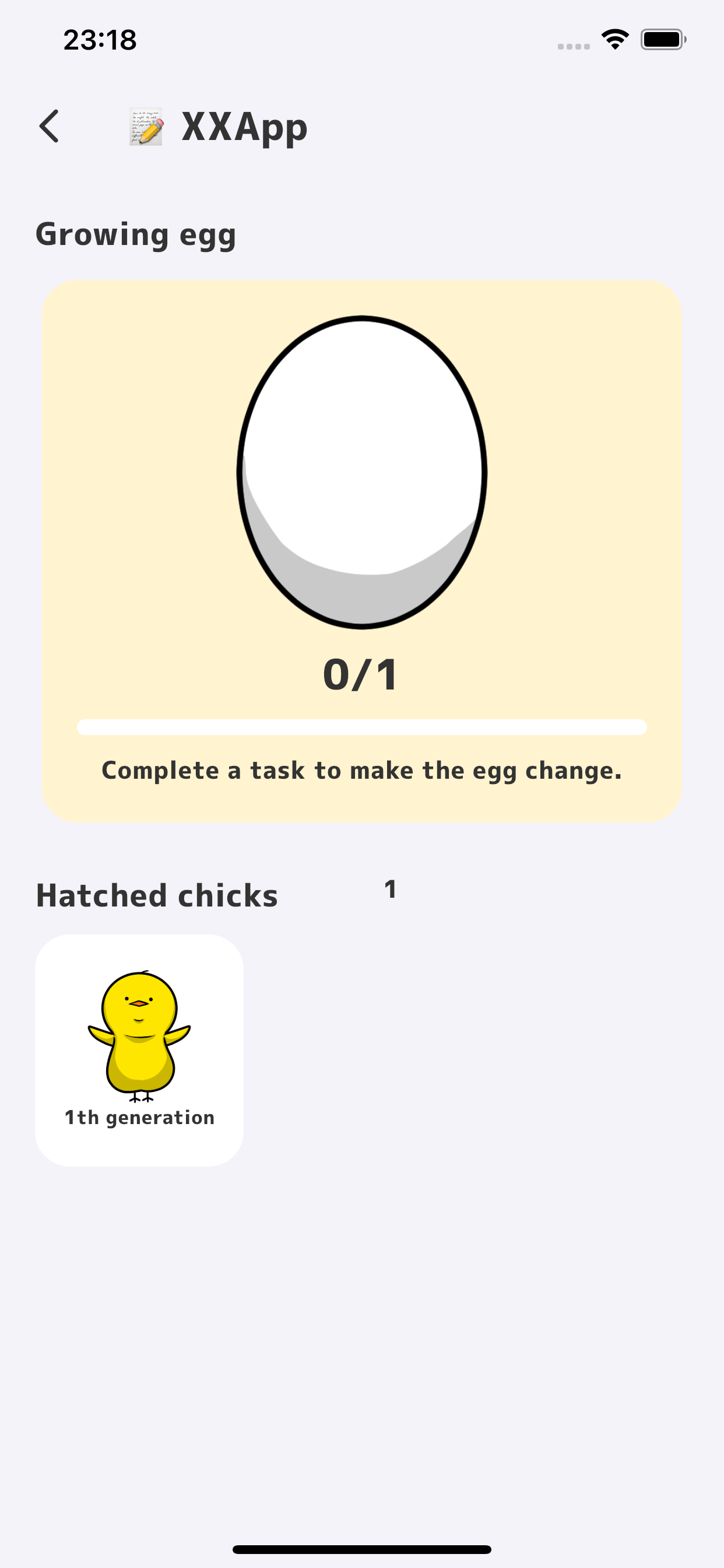
Start a project and an egg appears. As you complete tasks, the egg changes—until your chick finally hatches.

Keep going
Breaking a streak does not erase everything you have built so far.
Made for real life
PiyoMemo is designed for plans that change. Your notes stay on your device, and you can start without creating an account.
No account and no cloud sync required. Tasks, reflections, and ideas are stored in a local database.
Unfinished tasks roll over automatically. You can also move work to tomorrow or next week without treating today as a failure.
Choose weekdays or a monthly date and PiyoMemo generates routine tasks for you.
Export daily and weekly records as Markdown, or create and restore a complete backup when changing devices.
Today and weekly planning, reflections, Pomodoro, ideas, chick growth, and manual backups are included in the free version.
Unlock unlimited active projects and routines, long-term charts, notifications, every ambient sound, and automatic backups. Piyault also lets you sync data between your phone and computer through a shared folder on your cloud drive. No subscription.
PiyoMemo
See only the tasks that matter now and keep excess information out of sight.
Connect yearly goals to today’s tasks so your purpose stays clear.
See small wins add up through active work time and your chick’s growth.